May 10, 2026 · 4 min read · Avatar Studio Team
Create Your First AI Avatar in Minutes
- Getting started
- AI avatars
- Tutorial
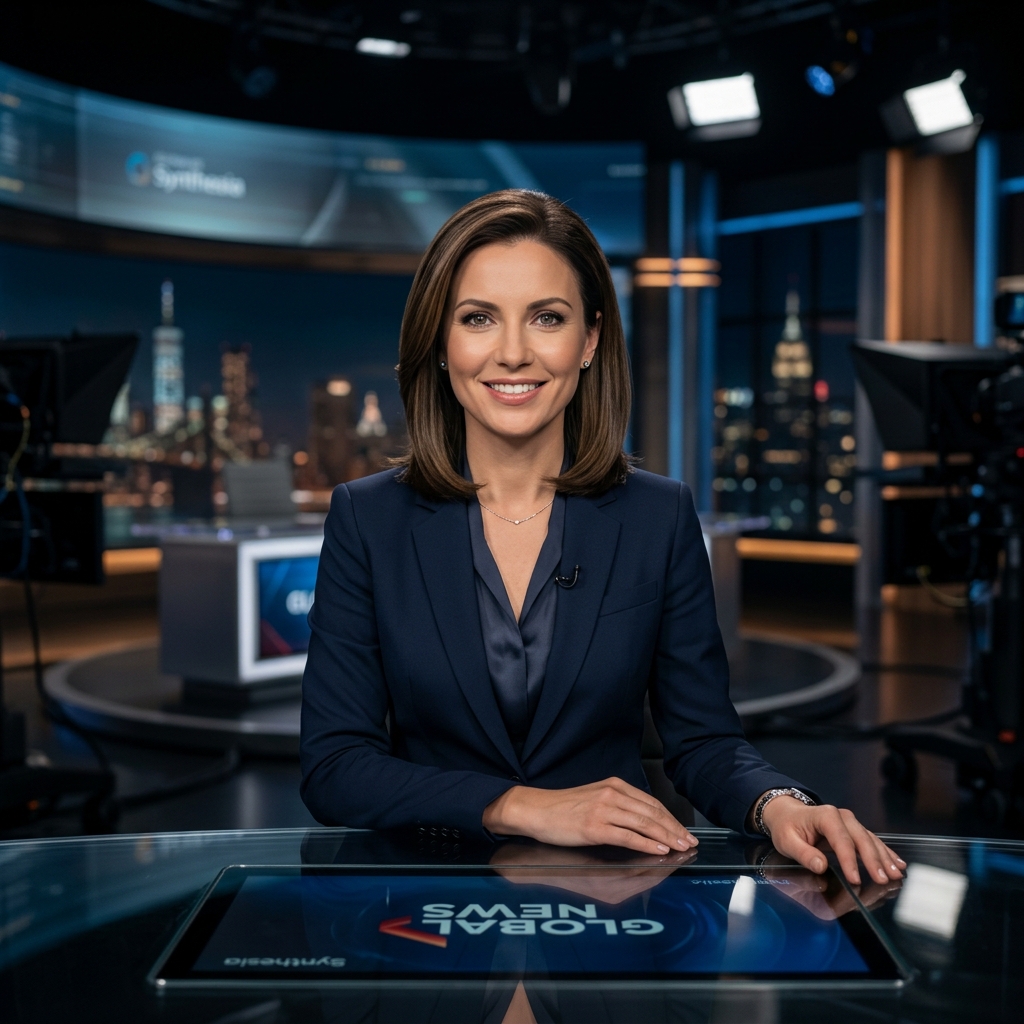
AI avatars let teams ship video content at the speed of text. Whether you need a corporate explainer or a social clip, Avatar Studio turns a script into a polished on-screen presenter — no filming required.
Why start with an AI avatar?
Traditional video production slows teams down: scheduling talent, setting up lighting, and re-shooting when scripts change. An AI avatar gives you a consistent on-screen presenter you can update anytime.
Most teams publish their first clip within an hour of signing up — enough to validate the workflow before scaling to training, sales, or marketing content.
Choosing the right presenter style
Stock avatars work well for quick explainers and internal updates. Custom avatars fit brand campaigns where look, wardrobe, and tone need to match your guidelines.
Preview a short script before committing to a long render. Lip-sync and pacing are easier to adjust early than after a full export.
What to do after your first export
Save your avatar and voice pairing to the library so teammates can reuse them. From there, try a template or open the editor for multi-scene layouts.
Quick start checklist
- 1Sign in and open Create Avatar from the studio dashboard.
- 2Choose an avatar style or upload a portrait for a photo avatar.
- 3Paste your script and pick a voice that matches your brand tone.
- 4Preview lip-sync and export your first video.